
Help Ticketing and Workflow
How To Create A Ticket
In order to access our ticketing system you may go to https://support.sssrome.it.
When you go to the address you should be greeted with this screen:
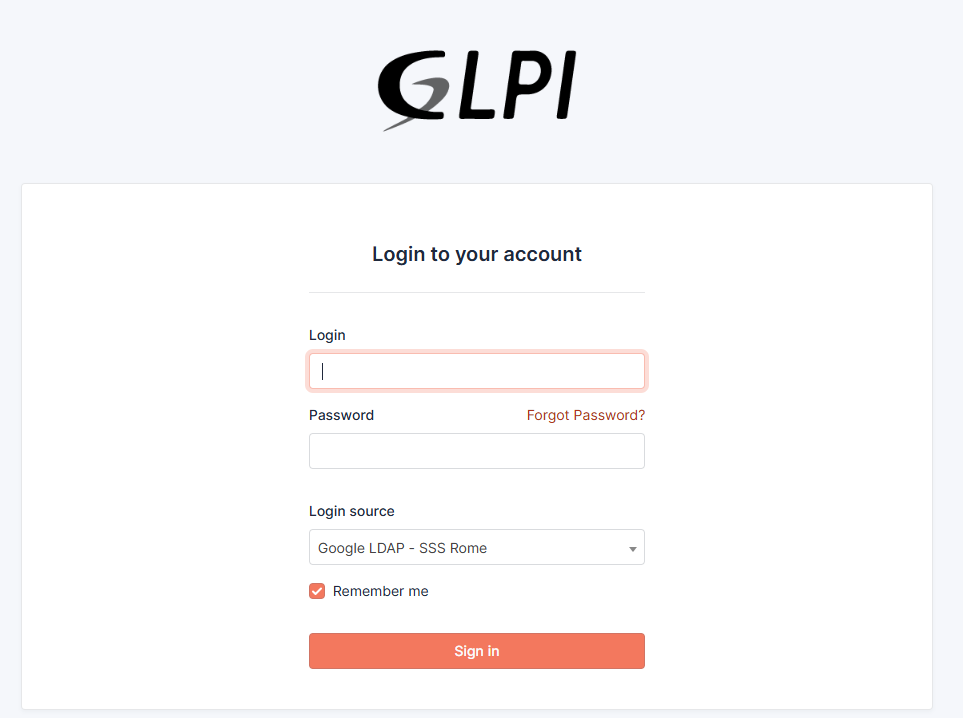
On this screen you'll type in your username and password and click on "Sign in".
The Username is your email address without "@sssrome.it" and the password is the same as your google account.
NOTE: Make sure that the Login source is set to "GOOGLE LDAP - SSSROME". It's set to that by default.
After that you'll see this home screen. From here you can view all of your tickets, past and present.
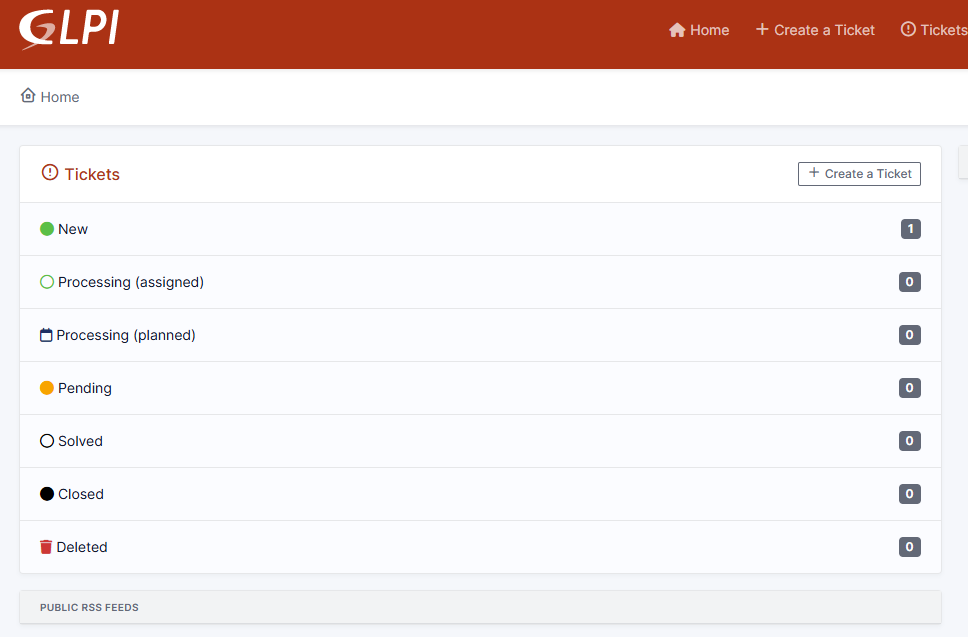
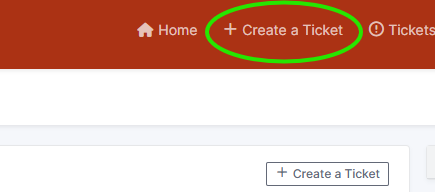
Click on "Create a ticket" on the header to submit your ticket.
On this page you just need to select the Category, Location, and type in the Description and Room.
Under Watchers always enter Marco.Ingrosso and any other person you wish to be aware of the ticket.
Ensure there is a bell next to the Watchers name, as this will immediately send a notification email.
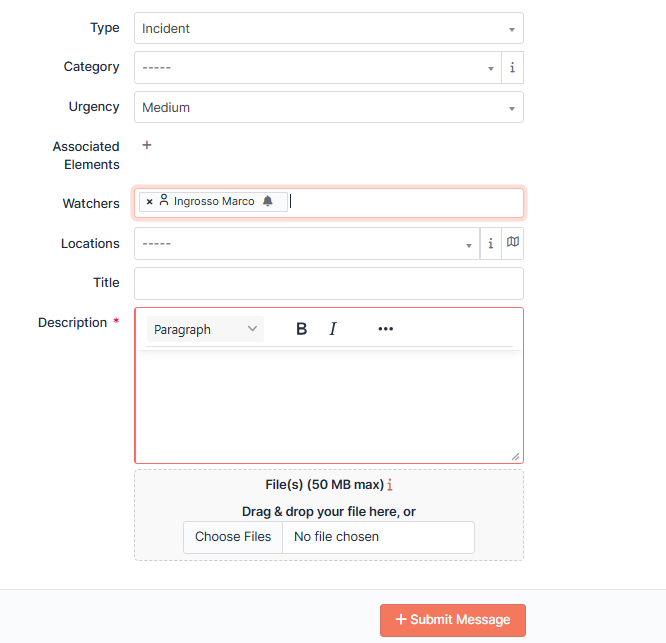
After filling out your ticket, click on Submit Message
After you do that, you will receive an email confirming your ticket confirmation and someone from the tech team will get in touch with you shortly.