
How to check your tickets and state of progress
To check the status of your tickets click on the ticket tab as shown below:
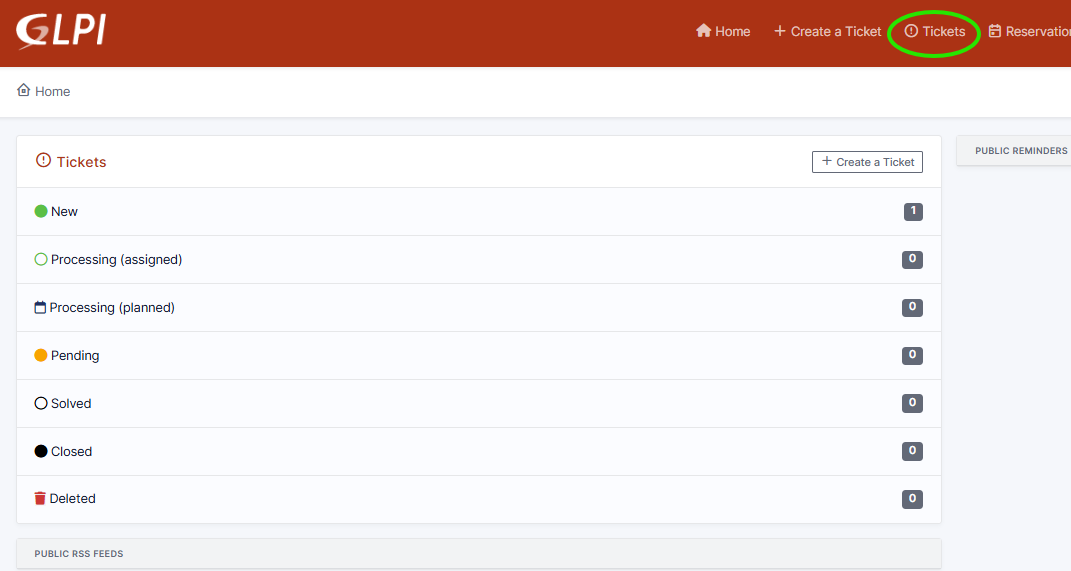
You will be taken into the following page:
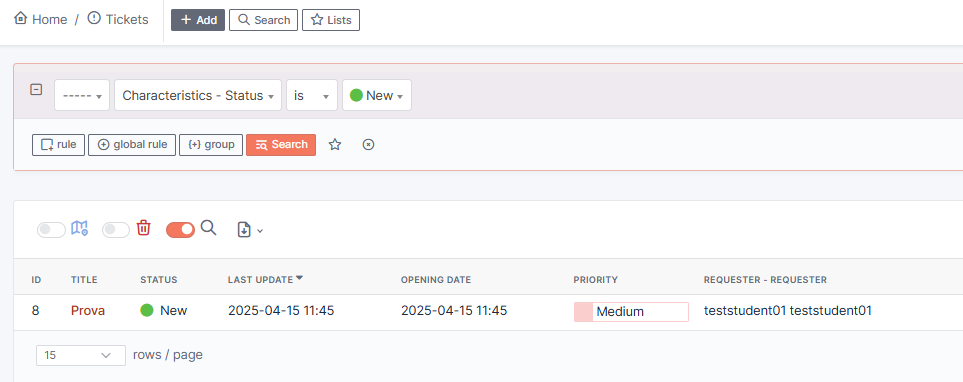
Click on the title to have a complete overview of the ticket
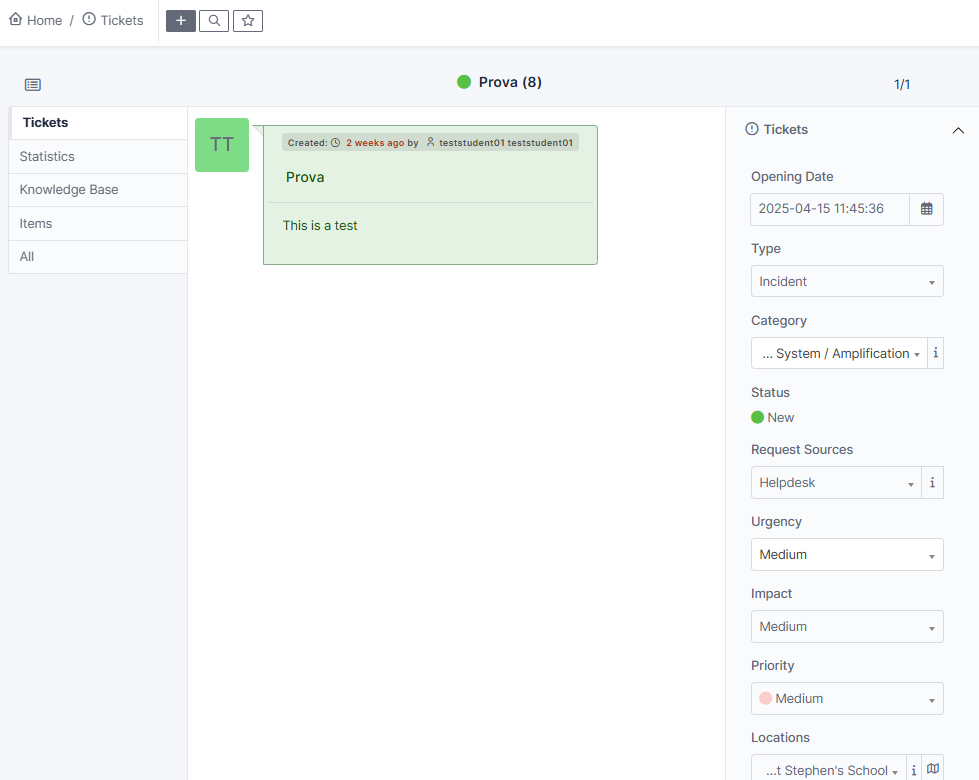
Once your ticket has been resolved, you will find your tickets under the solved tab, with a description of the resolution.
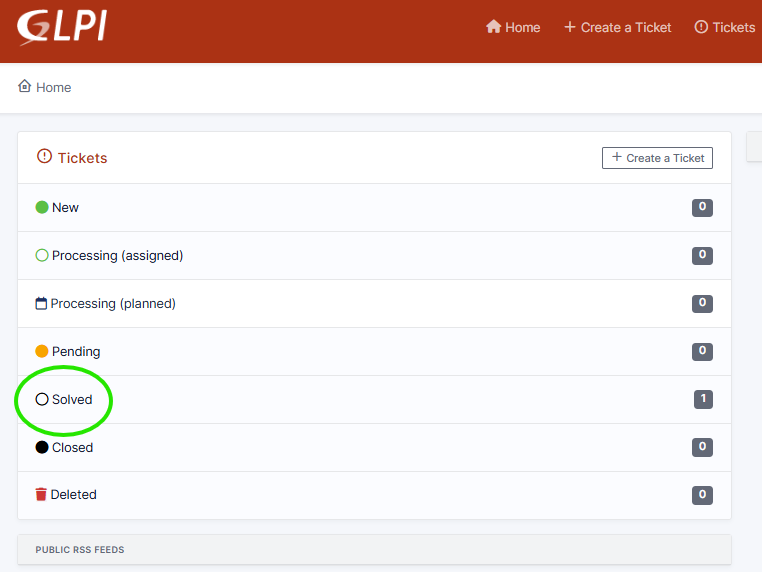
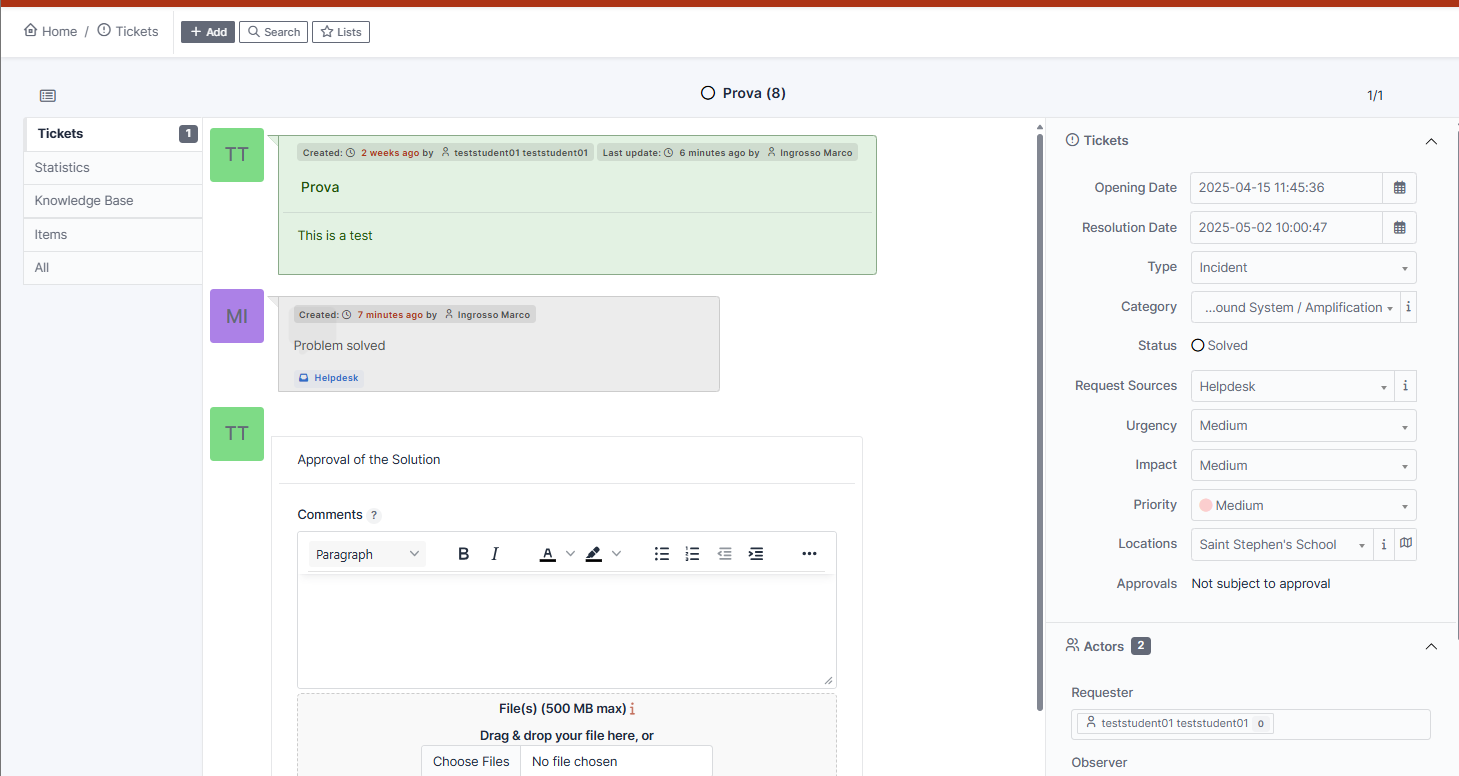
Finally, choose whether accept or refuse the solution.
Accepting will close the ticket and move it the "Closed" tab.
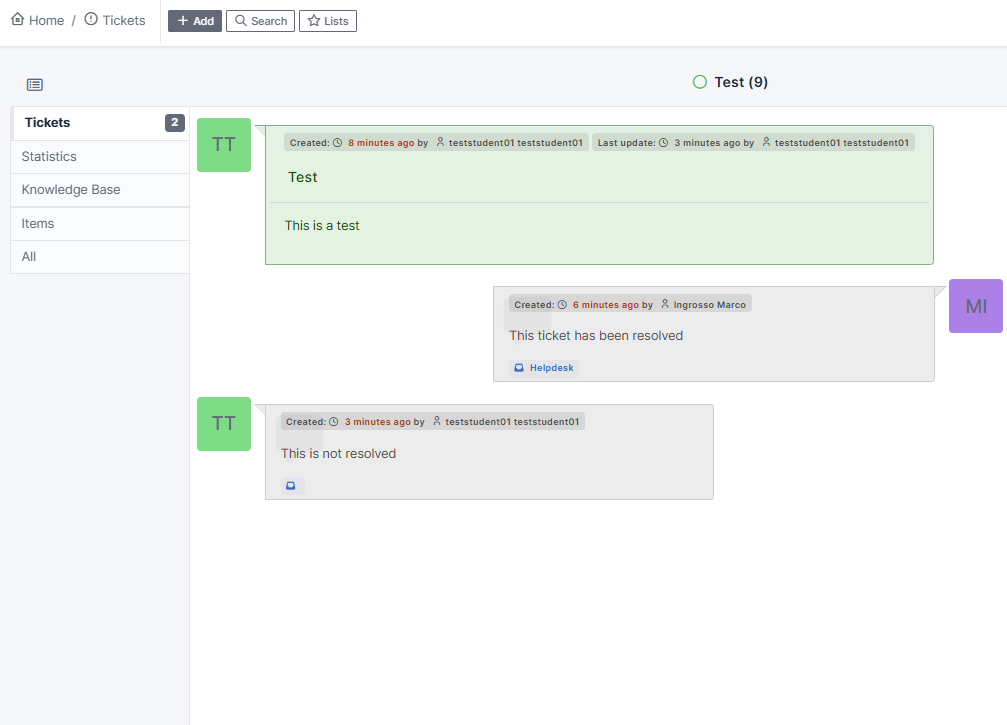
If you Refuse, you must provide a description of the ongoing problem and the ticket will be moved to "Progressing - assigned"
No Comments